

Staying online while travelling is no longer a luxury. You need maps to find your hotel, messaging apps to reach friends and hosts, translation tools to order food, banking apps to check payments and ride-hailing apps to get home safely. The challenge is doing it without a huge roaming bill. There are several ways to get internet abroad, and the best one depends on how long you stay, how much data you use and what devices you carry. This guide compares the main options: roaming, local SIM cards, eSIMs, pocket Wi-Fi devices and public or hotel Wi-Fi. It also explains how to save data, what to prepare before you leave and which problems to expect.
In this guide:
- Work out what you need
- Option 1: Roaming on your home plan
- Option 2: A local SIM card
- Option 3: A travel eSIM
- Option 4: Pocket Wi-Fi
- Option 5: Wi-Fi only
- Comparing the options
- How to save data
- Prepare before you leave
- FAQ
Work Out What You Need

Before you choose, answer a few simple questions. How long will you be away? How many countries will you visit? Will you use data mostly for maps and messaging, or also for video calls, streaming and work? Do you need a local phone number for bookings, deliveries or calls? Do you need to share the connection with a laptop or other people? A weekend city break needs very little data, while a month of remote work needs a lot. Knowing this helps you avoid paying for a plan that you do not need or running out of data in the middle of a trip.
Option 1: Roaming on Your Home Plan
Roaming means using your normal SIM card abroad on partner networks. It is the easiest option because you do not need to do anything, but it can be the most expensive. Some home plans include roaming in certain countries or regions, for example within the European Union, but others charge high daily fees or per-megabyte rates. Check your plan’s rules before you leave, and ask about travel passes, which give a set amount of data and calls for a daily or weekly charge. Turn off data roaming if you do not want to use it, and switch on airplane mode on planes and ferries, because the networks there can be very expensive. Roaming is best for short trips to countries covered by your plan, or as a backup for emergencies.
Option 2: A Local SIM Card
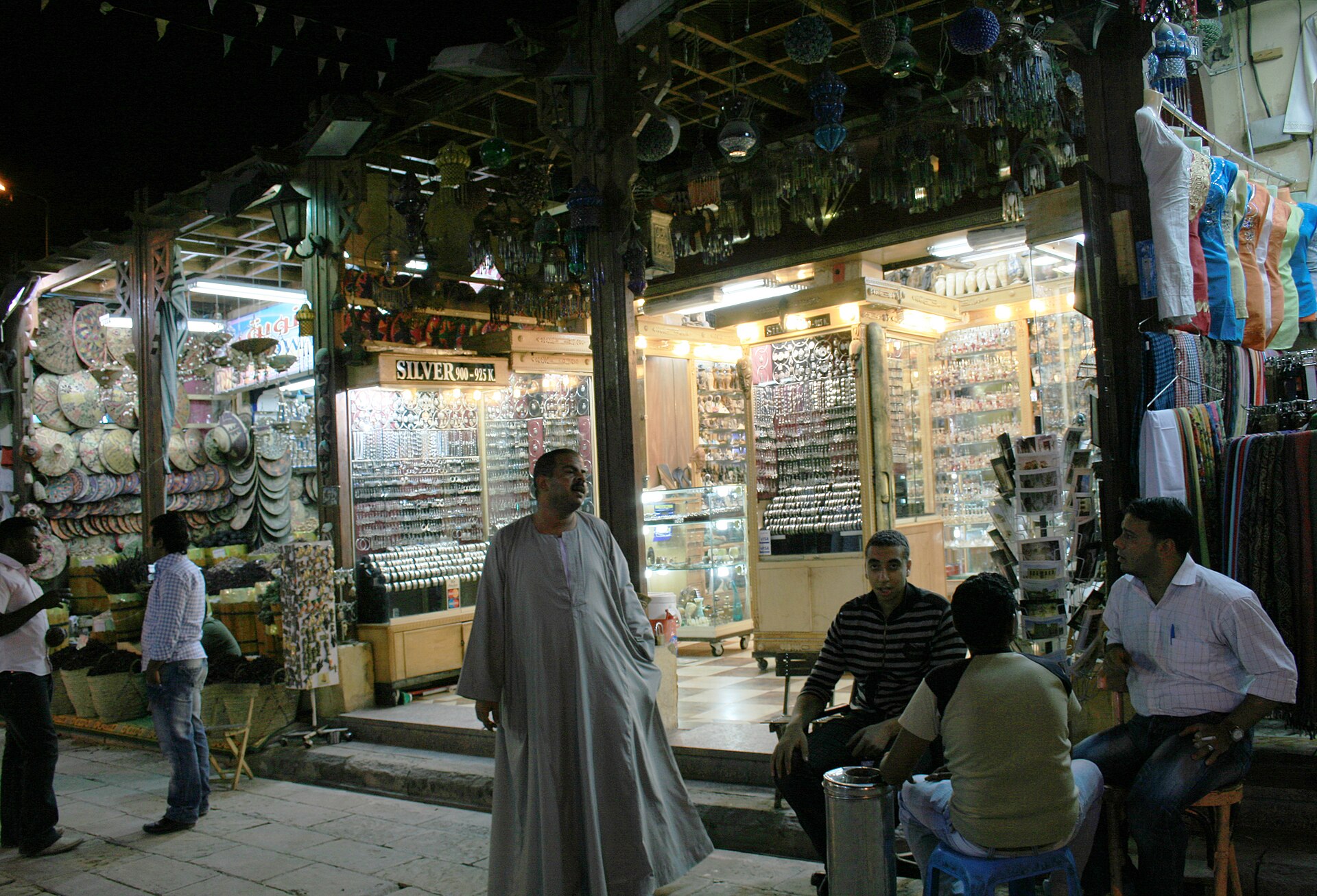
A local SIM from a mobile network in the country usually gives the best value for longer stays. You can buy one at the airport, in a mobile shop or in a convenience store, often with a generous amount of data for a low price. You may need to show your passport, because many countries require SIM registration. A local number is useful for taxis, restaurants, deliveries and local calls. The drawbacks are the time spent to find a shop and set it up, language barriers, the need for an unlocked phone and the fact that your phone can hold only one or two SIMs at once. Airport shops can be more expensive than city shops, but buying on arrival avoids being offline in the first hours.

Option 3: A Travel eSIM
A travel eSIM is a digital plan that you buy online and install on your phone before you leave. It gives you data as soon as you land, and you keep your normal SIM for calls and texts. It is convenient for short trips and multi-country journeys, but it is usually data only and more expensive per gigabyte than a local SIM. Your phone must support eSIM and be unlocked. We explain the full process in our guide on how to use an eSIM when traveling.
Option 4: Pocket Wi-Fi
A pocket Wi-Fi is a small portable router that connects to a mobile network and creates a Wi-Fi hotspot for several devices. It is popular in Japan, South Korea and parts of Europe, particularly with families and groups, because one device serves everyone. You rent it at the airport or order it in advance, then return it before you leave. The cost is moderate, but you must keep it charged, carry it with you and remember to return it. Check the data limit and speed, as well as late-return fees. A pocket Wi-Fi is less useful if you travel alone with a phone that supports eSIM.
Option 5: Wi-Fi Only
Many travellers manage with free Wi-Fi in hotels, cafes, airports and public spaces, particularly for short trips. It costs nothing, but it is not always reliable, and you cannot use it while moving around or when you need maps urgently. Public Wi-Fi also carries security risks, which we explain in our guide on staying safe on public Wi-Fi. If you plan to rely on Wi-Fi, download offline maps, translations and tickets beforehand, and use messaging apps that work over Wi-Fi. A Wi-Fi-only approach works best for a short city break in a country with widespread free hotspots.
Which Option for Which Trip?
A Weekend City Break
Use free hotel and cafe Wi-Fi and download offline maps, or buy a small eSIM for one week. You will probably need less than one gigabyte, so the cheapest plan is enough.
Two Weeks in One Country
A local SIM or a mid-size eSIM works well. If you need a local number for bookings and tours, a local SIM is better. If you prefer convenience and your phone supports it, an eSIM saves time on arrival.
A Multi-Country Trip
A regional eSIM that covers all your countries avoids changing SIM cards at every border. Check that each country is listed and that data is not limited in some of them.
Working Remotely
Choose a large data plan or an unlimited local plan, and consider a backup connection such as a second SIM or a pocket Wi-Fi. Test the speed and reliability of your accommodation Wi-Fi before you book a long stay.
Family or Group Travel
A pocket Wi-Fi or a plan with generous hotspot sharing helps everyone stay connected, but remember that data runs out faster with several people. Set data limits for children and teach them to download content before the trip.
Comparing the Options
| Option | Best for | Main drawback |
|---|---|---|
| Home plan roaming | Short trips in covered countries | Can be very expensive outside included regions |
| Local SIM card | Longer stays, local number | Time to buy, registration, one country only |
| Travel eSIM | Short trips, multi-country, instant data | Data only, price per gigabyte may be higher |
| Pocket Wi-Fi | Groups and families, laptops | Extra device to charge and return |
| Wi-Fi only | Budget city breaks | Security and reliability limits |
How to Save Data
- Download offline maps and routes for each city before you leave your hotel Wi-Fi.
- Download playlists, podcasts, shows and e-books at home or on hotel Wi-Fi.
- Turn off automatic updates and cloud backup on mobile data.
- Lower video quality, and avoid streaming on mobile data.
- Use data saver mode on your phone and in apps such as maps and browsers.
- Check which apps use the most data in your settings, and restrict background use.
Prepare Before You Leave
Make sure your phone is unlocked and updated, and check what bands it supports in your destination. Install essential apps: maps, translation, messaging, banking and your airline and hotel apps. Set up two-factor authentication in a way that works abroad, such as an authenticator app instead of text messages. Save important numbers and documents offline. Carry a power bank, a short cable and an adapter. Buy a backup, such as a small data plan or a hotel Wi-Fi plan, in case your first choice fails. Finally, write down your accommodation address in the local language.
FAQ
What is the cheapest way to get data abroad?
For longer stays, a local SIM is usually cheapest, while for short trips, a small travel eSIM or free Wi-Fi may be better value.
Can I keep my phone number abroad?
Yes, if your phone supports dual SIM or eSIM, you can use a travel data plan and keep your main SIM for texts.
Do I need a VPN?
A reputable VPN helps on public Wi-Fi and in some countries with restricted sites. Check local laws before you use one.
What if my phone is locked to a carrier?
Ask your carrier to unlock it before you travel. Without that, a local SIM or eSIM will not work.
Is it safe to buy a SIM from a stall at the airport?
Generally yes if it belongs to a recognised network, but compare prices and read the terms. Ask the staff to install and test it for you.
For more planning ideas, read our guides to how much a trip costs and the carry-on packing list.